Hire with confidence using Eploy ATS + ThriveMap assessment integration
Realistic Job Assessments integrate with your Eploy hiring workflow to reduce early attrition and improve decision quality in entry-level and early-carees hiring.


What is Eploy?
Eploy is an applicant tracking system (ATS) used by in-house recruitment teams to manage applications, workflows and hiring decisions in one place. It’s designed to support structured, auditable hiring processes across a wide range of roles and organisations.
What ThriveMap adds to the eploy ATS
ThriveMap exists to improve the quality of the decisions made within eploy’s ATS.
ThriveMap builds Realistic Job Assessments that show candidates what the role is really like, including the pace, priorities, trade-offs and expectations. This helps candidates self-select out when the role isn’t right, and gives hiring teams job-relevant evidence they can stand behind.

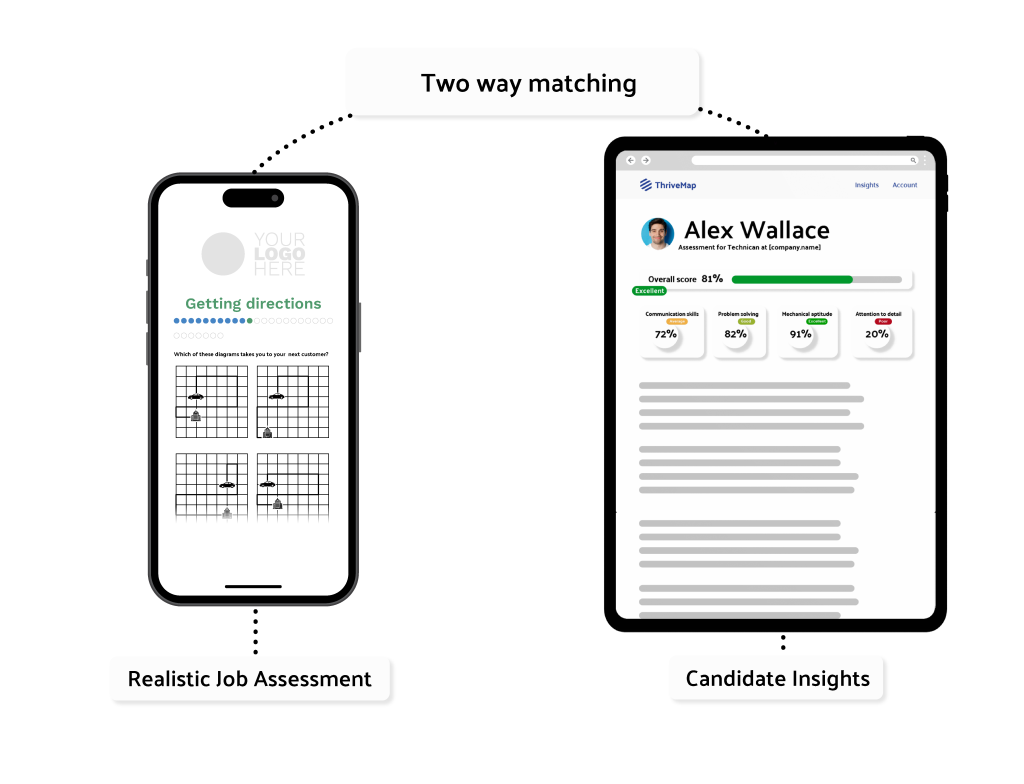
The hiring impact of ThriveMap
30- 50% reduction in early attrition in entry-level and early careers hiring. ThriveMap closes the candidate expectation gap before offer.
£30,000+ reduced cost per hire.
By reducing mis-hires, re-recruitment, and wasted onboarding effort.
More defensible hiring decisions
Job-relevant evidence grounded in the realities of the role, not abstract or generic scores.
Where ThriveMap fits in the Eploy hiring process
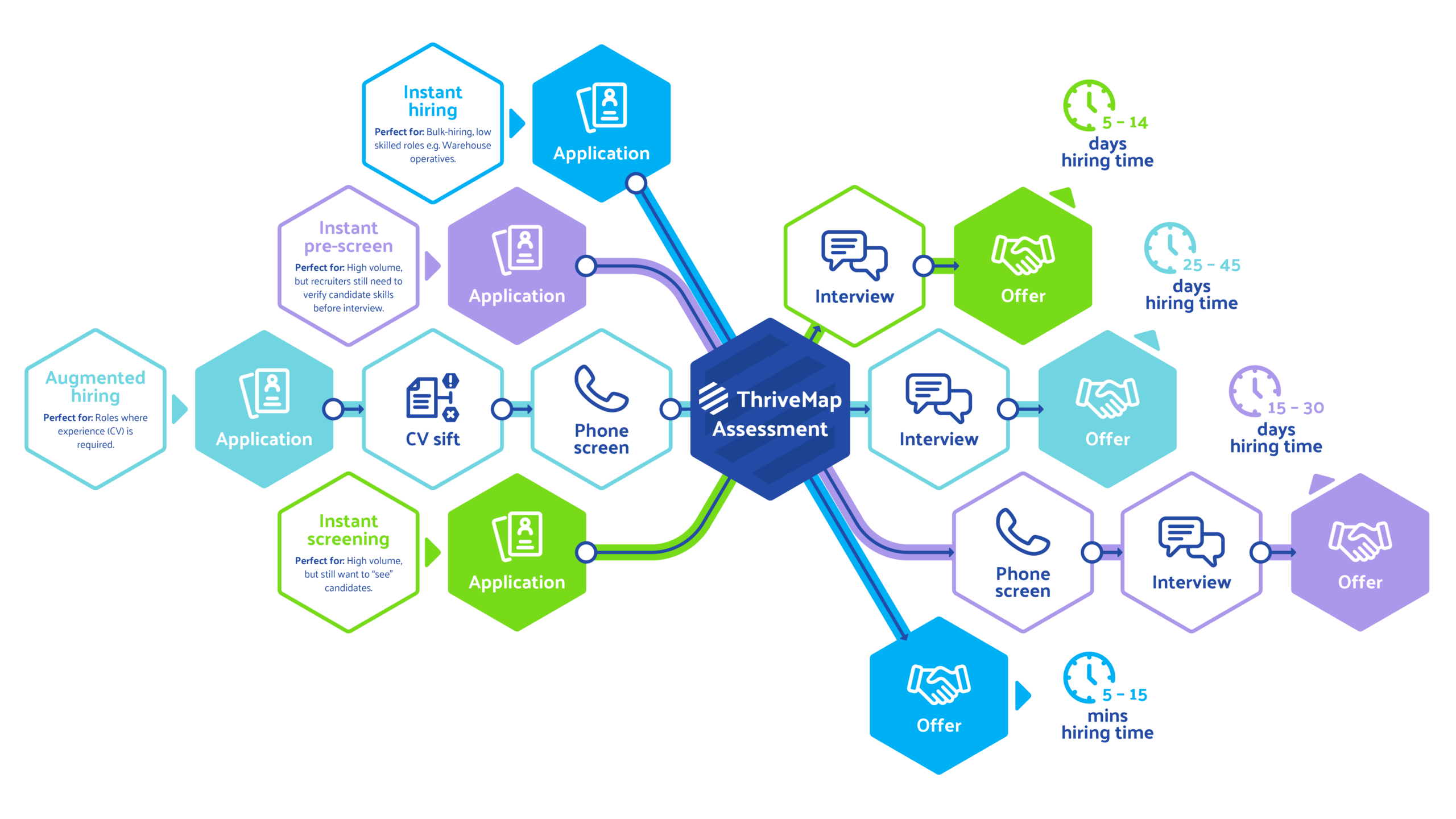
Although fully flexible to where you’d like to use it, ThriveMap is typically introduced after an initial application or CV screen within Eploy. Once a candidate reaches this stage, they are automatically invited to complete a Realistic Job Assessment before progressing to interview. Recruiters continue to manage candidates entirely within Eploy, while ThriveMap provides structured, job-relevant evidence to support shortlist and interview decisions.
What your team sees in Eploy
Candidate records in Eploy will be updated with:
- A clear overall assessment % score and score banding for each candidate
- A link to a candidate report which includes a breakdown of performance against job-relevant behaviours and scenarios
- Evidence they can reference directly in interviews
- A status update as to whether candidates have started, completed or withdrawn from their assessment
Eploy implementation and setup
- No changes required to your core Eploy configuration
- Works with your existing workflows
- Assessments designed collaboratively to reflect your roles
- Ongoing updates as roles evolve
- Fast, easy setup

See how ThriveMap integrates with your ATS
Get a demo to see how ThriveMap supports fair, consistent and defensible hiring decisions
What happens after you book
FAQs:
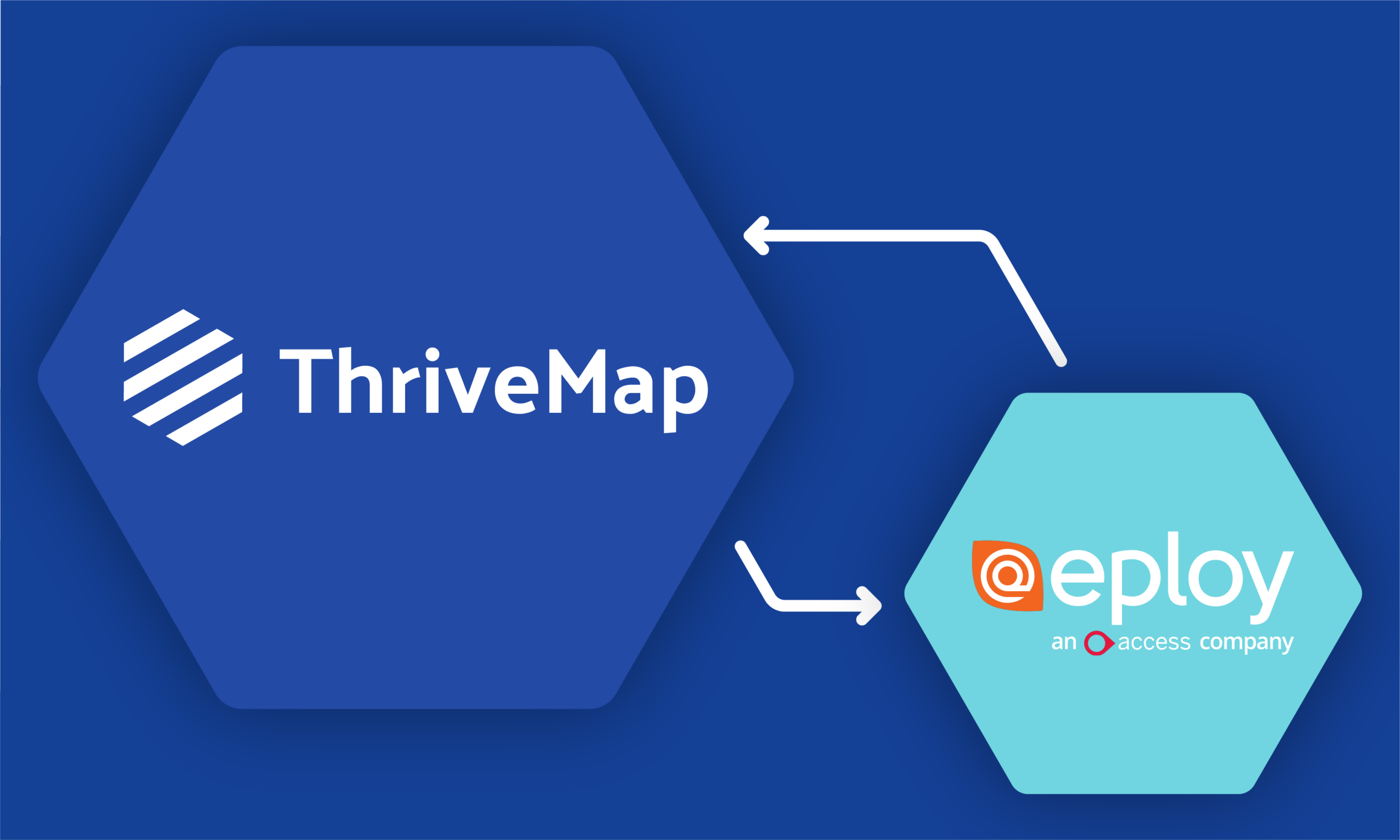
When a candidate applies through Eploy, ThriveMap can be triggered at a defined stage in your recruitment workflow. The candidate completes a realistic, role-specific assessment, and the results are sent back into Eploy where they are visible alongside the candidate record and can inform next steps in the hiring process.
The integration is designed to be lightweight and does not require extensive technical development. ThriveMap works with your team to configure the assessment trigger points and data flow within your existing Eploy workflow.