Hire with confidence using Workday ATS + ThriveMap assessment integration
Realistic Job Assessments connect directly with your Workday hiring workflow to reduce early attrition and improve decision quality for entry-level, early careers, and high volume roles.
What is Workday?
Workday is an enterprise human capital management platform used by organisations to manage hiring, employee data, payroll, and workforce planning in one system.
Teams use Workday Recruiting to attract candidates, manage applications, coordinate interviews, and track hiring activity across departments and locations. It is designed for structured, large scale hiring where governance, reporting, and consistency matter.
What ThriveMap adds to the Workday ATS
Workday is strong at managing hiring processes, approvals, and data across the organisation. What it does not tell you is whether a candidate will actually be a good fit for the reality of the role once they start.
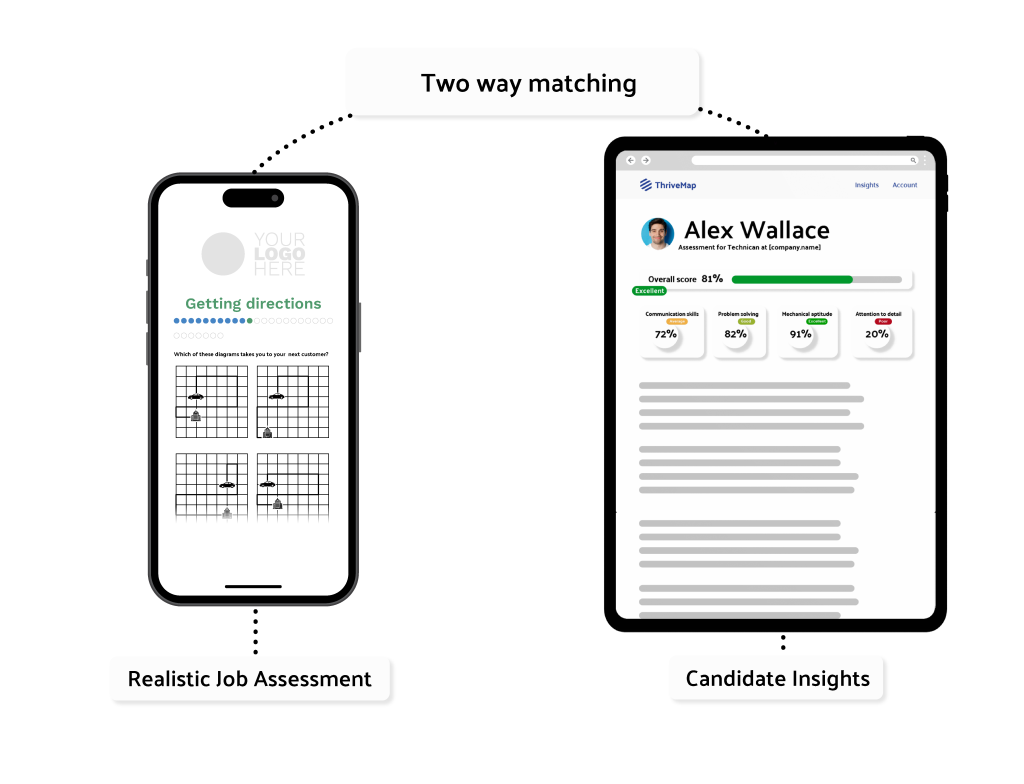
ThriveMap fills that gap. It shows candidates what the job is really like, including the pace, priorities, and trade offs, and then assesses how well they align with those expectations. Candidates who realise the role is not right often step away early, and hiring teams receive clear, job relevant evidence they can use to shape interviews and make confident decisions.
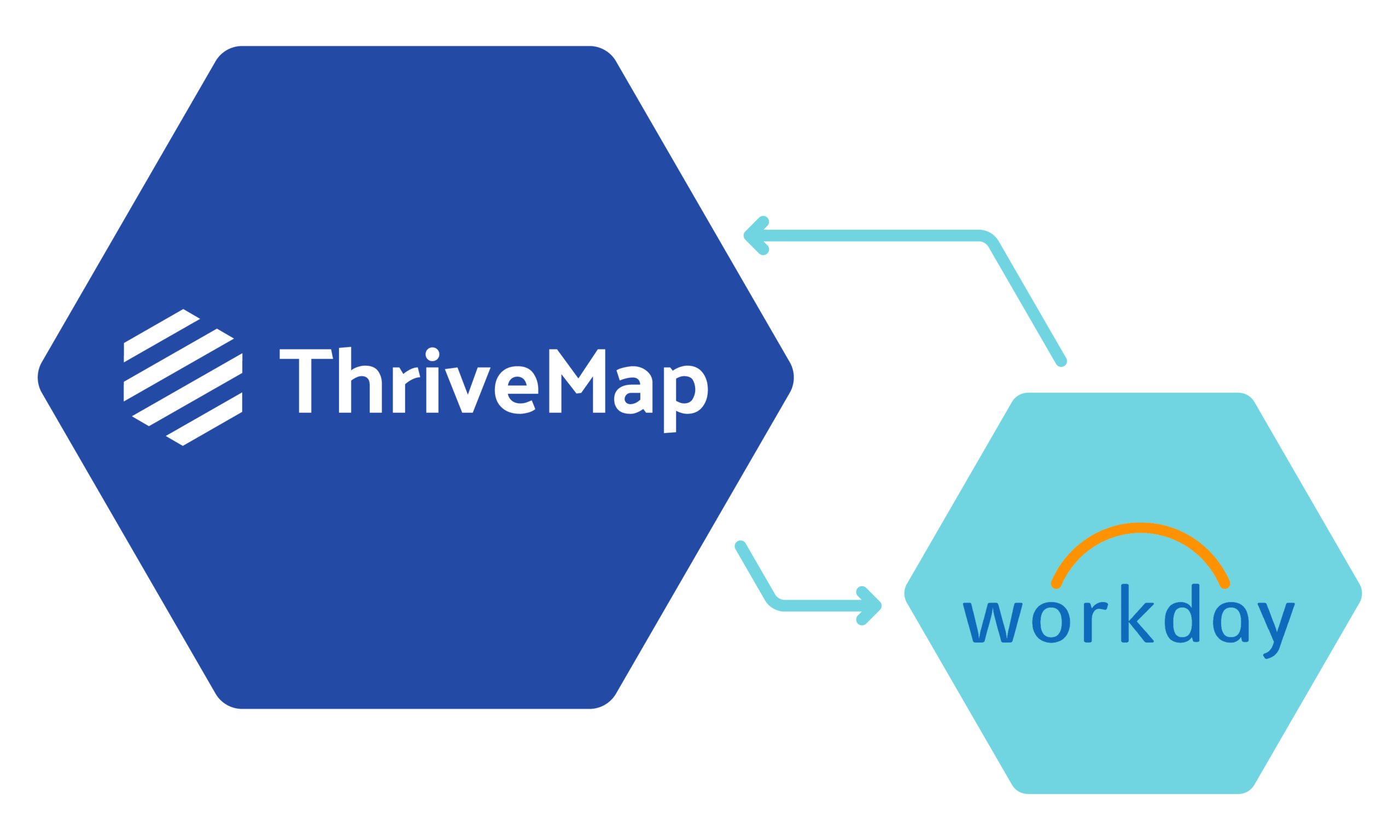
ThriveMap integrates directly into Workday, so recruiters and hiring managers do not need another system to log into. Assessment insight appears alongside the candidate record, where approvals, shortlists, and hiring decisions already happen.
The hiring impact of ThriveMap
30- 50% reduction in early attrition in entry-level and early careers hiring. ThriveMap closes the candidate expectation gap before offer.
£30,000+ reduced cost per hire.
By reducing mis-hires, re-recruitment, and wasted onboarding effort.
More defensible hiring decisions
Job-relevant evidence grounded in the realities of the role, not abstract or generic scores.
Where ThriveMap fits in the Workday hiring process
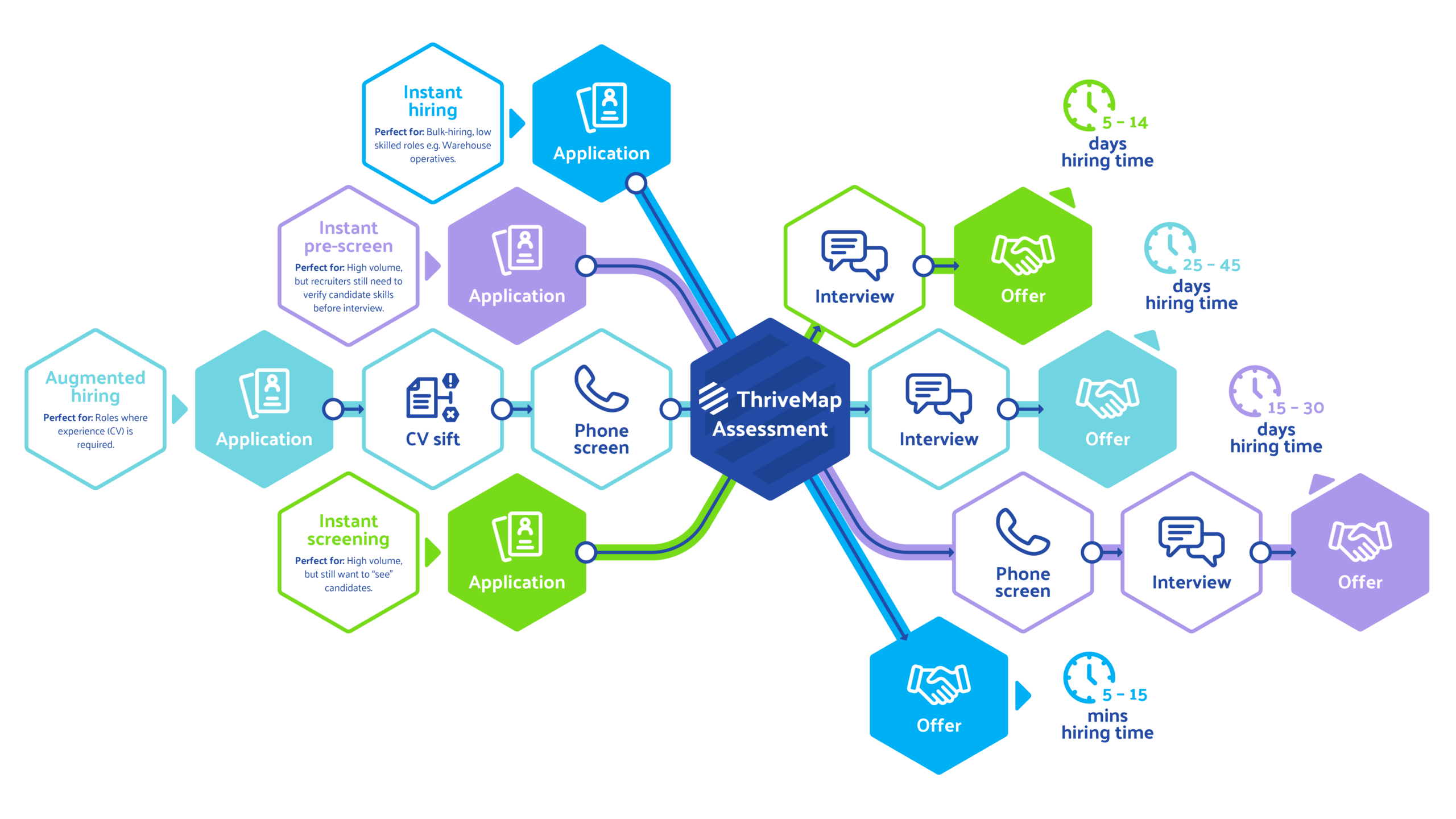
You can introduce ThriveMap at any stage of your hiring process in Workday, but most teams add it just after the initial application or first screen. That is the point where a candidate may look strong on paper, but you still do not know how they will handle the day to day reality of the role.
At that stage, candidates are invited to complete a ThriveMap assessment before moving on to interview or offer steps. Recruiters and hiring managers continue working inside Workday, but now they are making decisions with more than an application form. They have a clear view of how each person aligns with the real demands of the job, and practical, job relevant evidence they can use to shape interviews and make more confident hiring decisions.
What your team sees in Workday
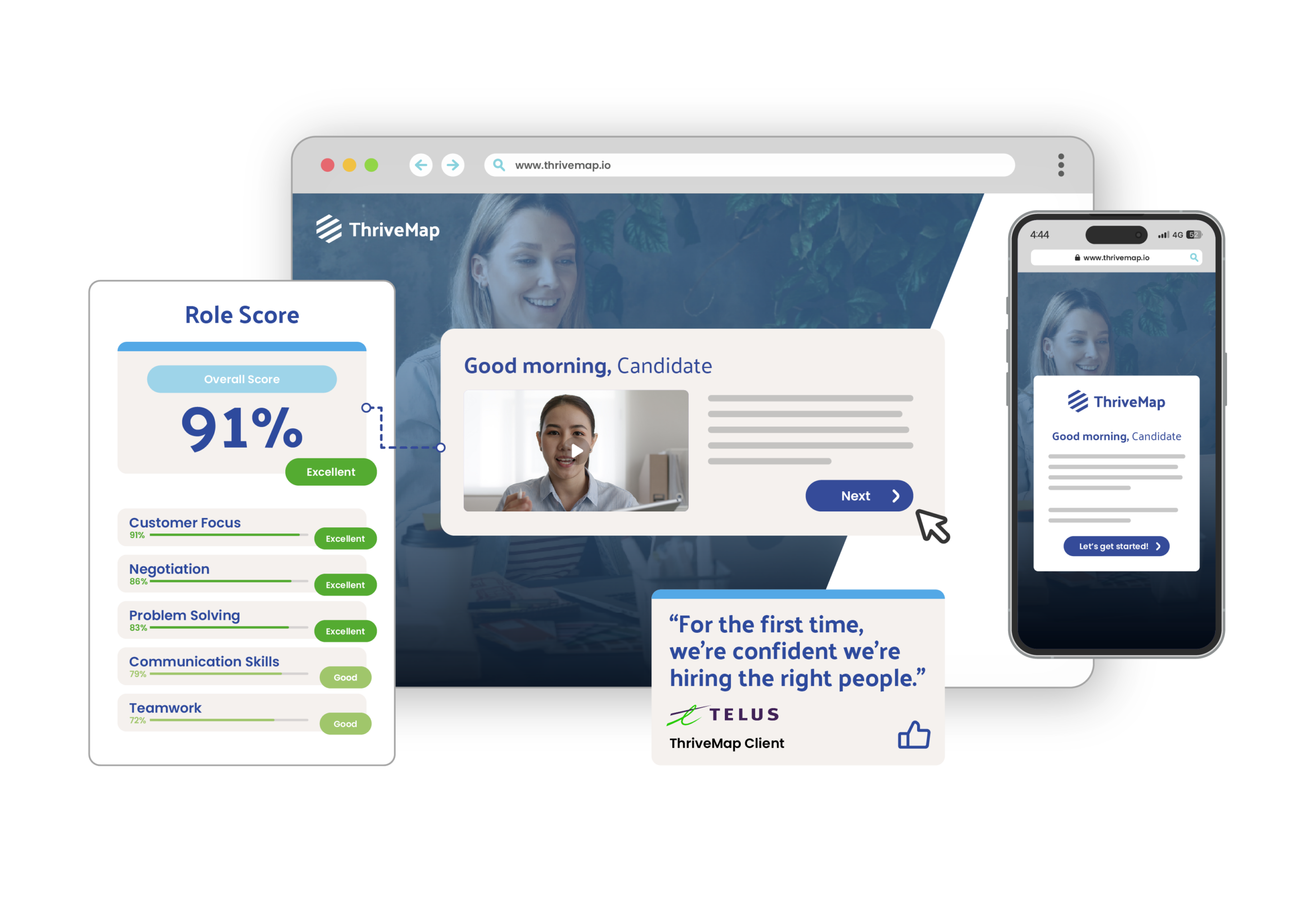
When a candidate completes their ThriveMap assessment, their Workday profile is updated with the information your team needs to move forward.
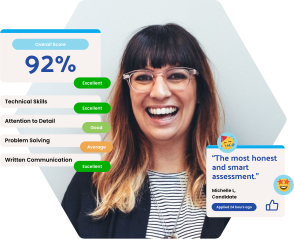
You will see an overall score and fit band, along with a link to a short report that shows how the candidate handled job specific scenarios tied to the role. There is also clear evidence you can reference in interviews, so you know what to explore and where someone is likely to perform well or need support.
You can also see at a glance whether a candidate has started, completed, or withdrawn from the assessment. Because this all lives inside Workday, there is no extra system to log into. Hiring decisions, approvals, and next steps happen in the same place you already manage your recruitment and workforce data.
Workday ATS ThriveMap assessment integration setup
- No changes to your core Workday setup
- Fits into the way your team already hires
- Assessments shaped around your actual roles, not templates
- Easy to update as roles and priorities change
- Quick to set up and simple to run
See how ThriveMap integrates with your ATS
Get a demo to see how ThriveMap supports fair, consistent and defensible hiring decisions
What happens after you book
FAQs:
Yes. ThriveMap can be enabled on a role by role basis inside Workday. Most organisations start with one or two high impact roles, such as entry level, early careers, or high volume hiring, and then expand as they see the value.
Because Workday already centralises recruiting, approvals, and workforce data across the business, ThriveMap fits into that structure without disrupting existing processes.
This allows you to pilot ThriveMap assessments for selected roles, see how the insights improve shortlists and interviews, and scale across departments or locations at your own pace, while keeping the rest of your Workday hiring framework in place.
Workday already manages the flow of candidates through each stage of your hiring process. ThriveMap connects into that workflow.
When a candidate reaches the stage you choose in Workday, they are automatically sent a ThriveMap assessment by email. There is no manual step for recruiters and no need to track invitations.
If a candidate does not complete the assessment, ThriveMap sends gentle reminders on day two and day four. This keeps candidates moving through the process and keeps your Workday pipeline accurate and up to date.
At ThriveMap, we focus on candidate experience and giving people real context for the role they are considering.
The length of each assessment is tailored with you rather than fixed. It depends on the role you are hiring for and how much of the job you want to explore. Some roles only need a light touch around a few critical areas. Others benefit from a deeper look at how someone handles the day to day reality of the work.
We also track why candidates drop out. If someone leaves because the role does not feel like a good fit, that is a positive signal. It means a genuine alignment issue has been identified before interviews or offers are made. If candidates leave because of length or friction, we adjust the assessment design.
When used with Workday, the aim is to respect candidates’ time, provide a clear picture of the role, and give hiring teams job relevant insight earlier in the decision process
Workday allows candidates to apply and move through the hiring process on the device that suits them. ThriveMap follows the same approach.
ThriveMap assessments work across desktop, tablet, and mobile, so candidates can start and finish on the device they have available. This reduces drop offs, removes friction, and creates a consistent experience from the initial application in Workday through to assessment and interview
When you use ThriveMap alongside Workday, the goal is not simply to move more as many people as possible to the end of the hiring process. The goal is to move the right people forward.
Some candidates step away earlier after seeing what the role is really like. This is a positive outcome. It means a misalignment has been identified before time is spent on interviews, approvals, and onboarding. For example, a candidate may realise the role involves regular shift work, high customer interaction, or a level of pressure they are not comfortable with. Others may decide they are looking for a different working environment or level of responsibility than the role can realistically offer.
What organisations typically see in Workday is a cleaner shortlist and fewer late stage surprises. Instead of people leaving after interviews or in their first weeks on the job, the process filters earlier. This saves manager time, reduces wasted interview hours, and lowers the cost of rehiring and training when someone leaves shortly after starting. The result is stronger early retention and a more efficient hiring process.
When a candidate applies through Workday, ThriveMap can be enabled at the stage in your workflow that makes the most sense for your organisation.
Unlike many assessment tools that offer a fixed integration, ThriveMap works with you to map the setup around how you actually use Workday. This allows for a fast, guided implementation that fits your governance, approval steps, and reporting needs rather than a long technical project.
At that point, the candidate is invited to complete a ThriveMap assessment that shows them what the role is really like and explores how well they match the day to day demands of the job.
Once the assessment is complete, the results appear back in Workday alongside the candidate profile. Hiring managers and recruiters can shortlist, prepare for interviews, and make next step decisions using clear, job relevant insight in the same system they already use for approvals, reporting, and workforce planning.